🚗 Dash cam guide
Best Dash Cam Settings for Indian Roads, and How to Fix Common Problems
Recommended settings
| Setting | Recommendation | Why |
|---|---|---|
| Resolution | Highest the camera offers | More pixels on number plates |
| Frame rate | 30 fps (60 fps only at full resolution) | 60 fps at a lower resolution reads plates worse |
| HDR / WDR | On | Keeps headlights and shadows readable at night |
| Exposure (EV) | 0, or −0.3 at night if washed out | Stops bright plates blowing out |
| Anti-flicker | 50 Hz | India's mains frequency; stops LED streetlight flicker |
| G-sensor (driving) | Low or medium | Speed-breakers and potholes trigger false locks |
| Loop recording | 1–3 minute clips | Smaller files to download and share |
| Time and date stamp | On, with GPS time sync | Evidence needs a correct timestamp |
| Audio | On for evidence; off for passenger privacy | Your choice; cabs should tell passengers |
| Screen saver | Off after 1 minute | No distraction at night |
CPL filters and dashboard glare
On a sunny day the dashboard reflects in the windscreen and the camera records it as a grey haze over the road. A circular polarising (CPL) filter clipped over the lens removes most of it; rotate it while watching the live view until the reflection is darkest. Brands sell model-specific CPL filters for ₹499–₹1,499. A CPL filter costs a little light, so some drivers remove it for night driving.
Fixing common problems
| Problem | Most likely cause | Fix |
|---|---|---|
| 'SD card error' or continuous beeping | Worn or unformatted card | Format in the camera; replace with a high-endurance card |
| Stops recording / gaps in clips | Card too slow or failing | Use a U3/V30 high-endurance card |
| Turns off by itself | Heat protection or power-cable fault | Use a sunshade; reseat or replace the cable |
| Will not connect to Wi-Fi | Phone switches to mobile data | Turn off mobile data while connected; forget and rejoin the camera network |
| Forgot Wi-Fi password | Changed in app | Reset to factory settings from the camera menu or reset button |
| Blurry video | Protective film on lens, or dirt | Remove the film; clean with a microfibre cloth |
| Wrong time on clips | No GPS, clock not synced | Sync time in the app, or fit the GPS module |
Firmware updates
70mai, Qubo and NEXDIGITRON cameras update firmware through their phone apps: connect to the camera, and the app offers the update when one is available. Keep the camera powered throughout — use the car with the engine running, or a USB power source — and do not switch off mid-update. Updates often fix recording bugs and add features.
Frequently asked questions
Is 4K or 2K better for a dash cam?
30 fps or 60 fps for a dash cam?
Why does my dash cam keep beeping?
Still not sure which dash cam fits?
Tell us your city and situation. We will give you a straight answer — including when the honest answer is that you do not need to spend much at all.
Shortlists that follow this advice
Read next
Our current top dash cams
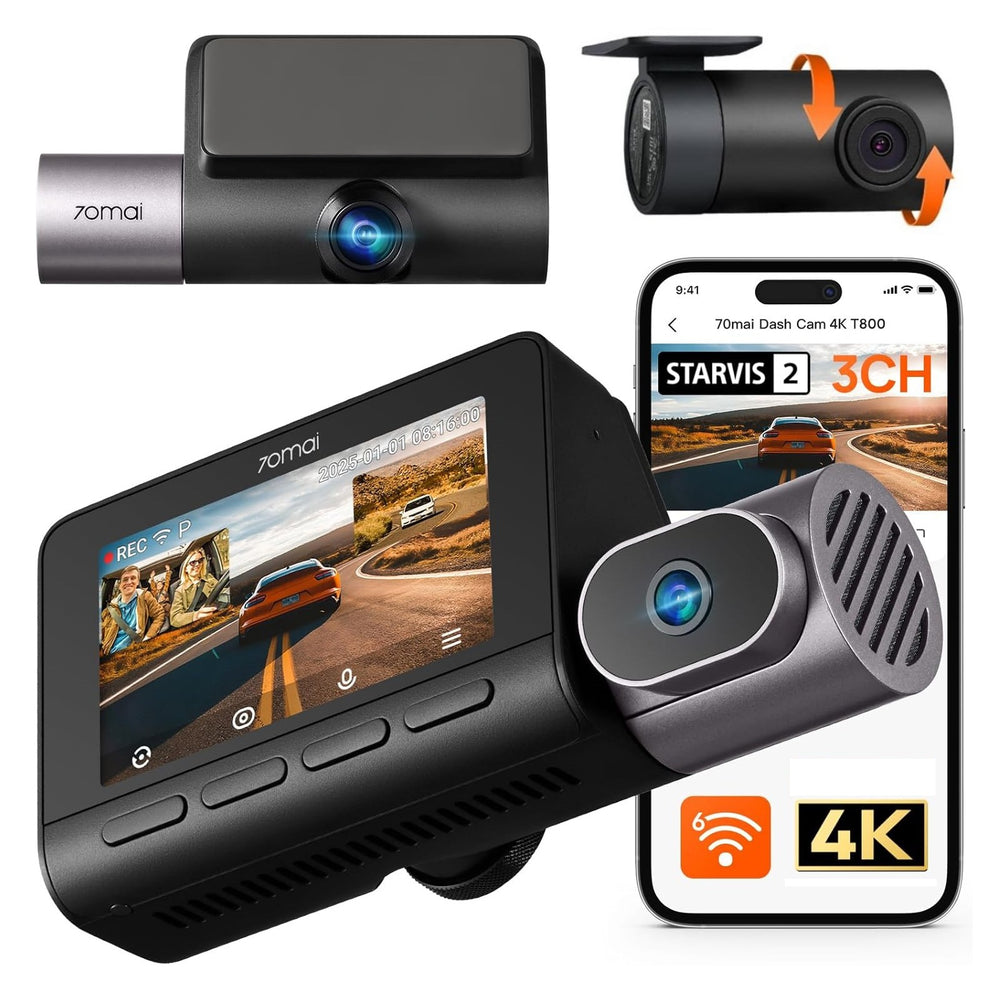
70mai T800 4K+FHD+FHD 3-Channel Dash Cam
70mai
Cab, taxi and fleet drivers who need the cabin on record
View details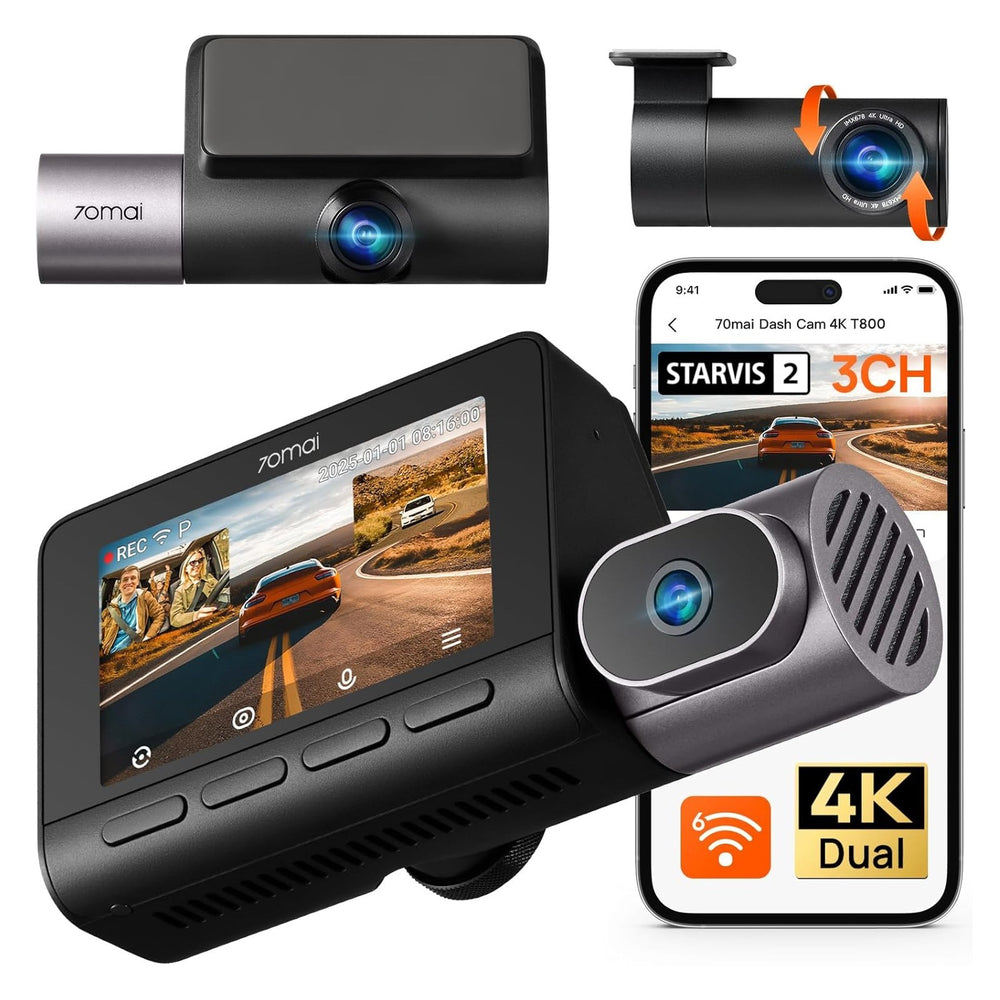
70mai T800 4K+4K+FHD 3-Channel Dash Cam
70mai
Cab, taxi and fleet drivers who need the cabin on record
View details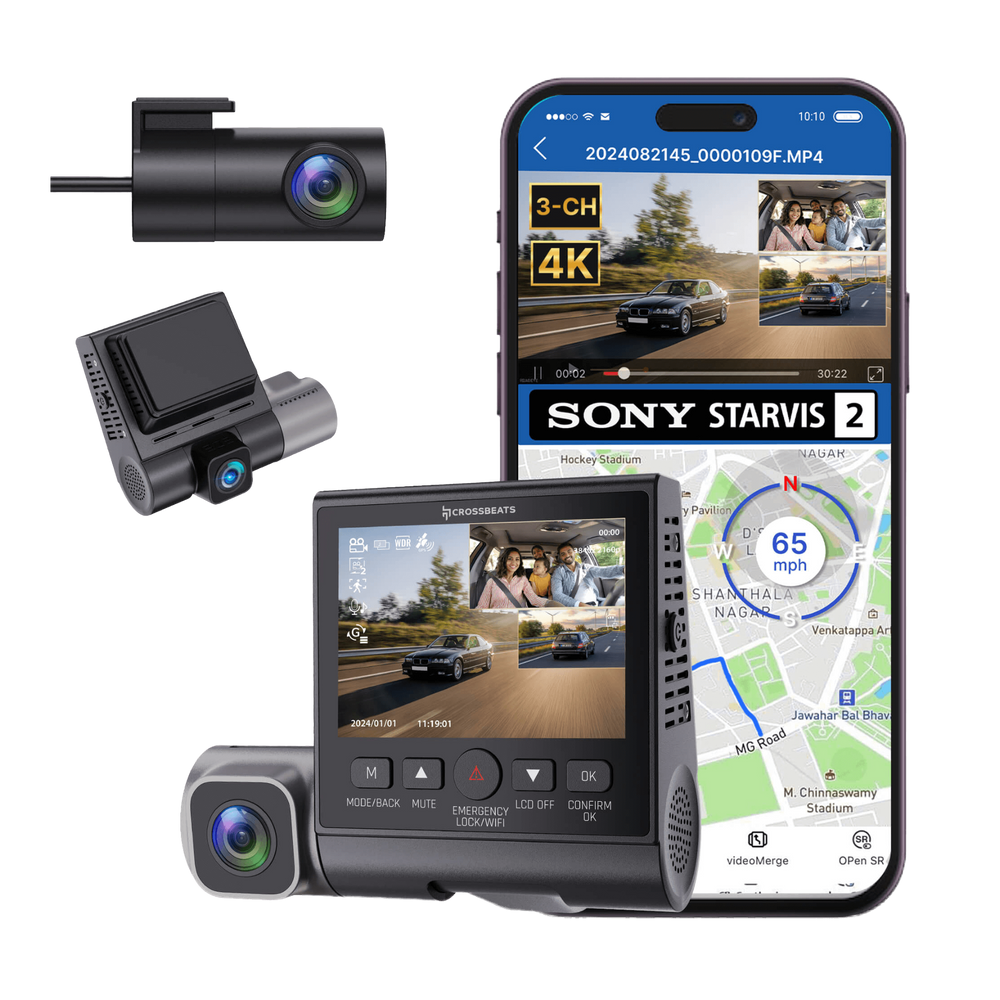
Crossbeats RoadEye DC04 4K 3-Channel Dash Cam
Crossbeats
Cab, taxi and fleet drivers who need the cabin on record
View details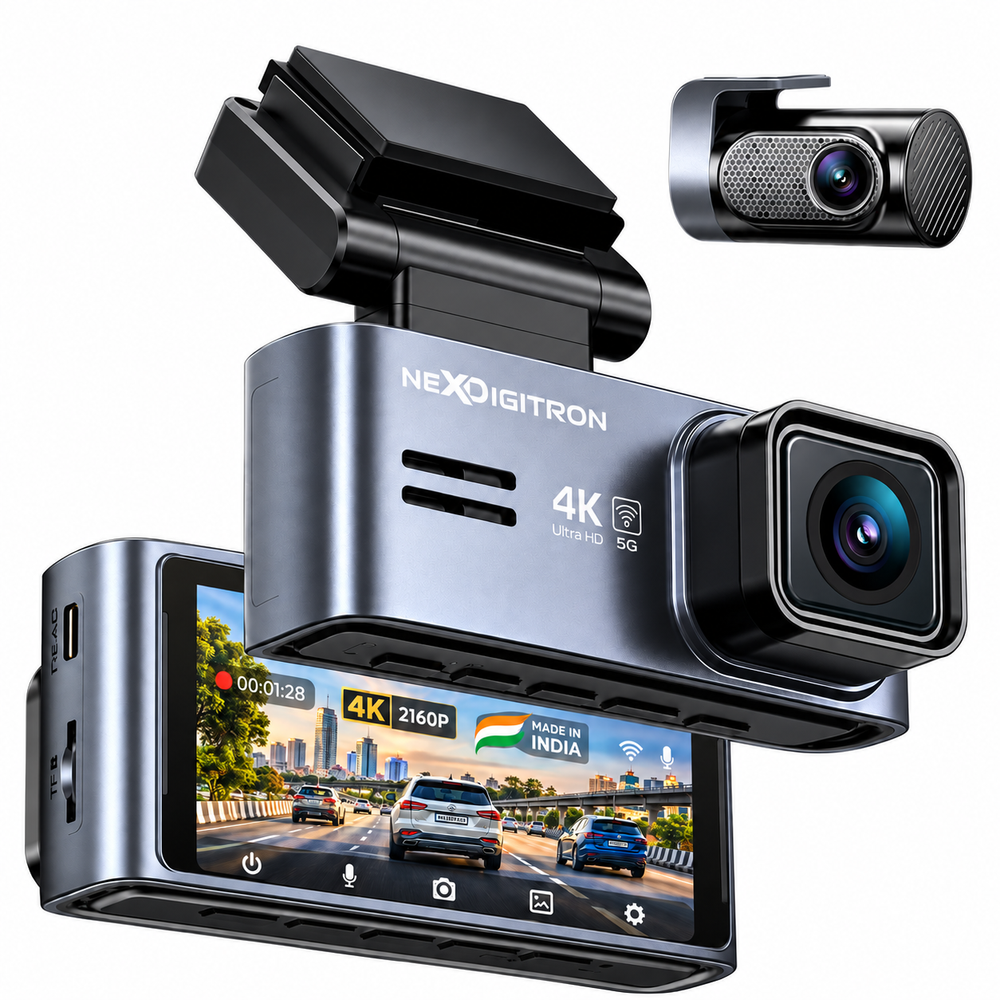
NEXDIGITRON Prime Plus 4K Dual Dash Cam
NEXDIGITRON
Daily commuters who want front and rear evidence
View details