🚗 Dash cam guide
How to Save, Download and Share Dash Cam Footage After an Incident
6 min readPublished 8 October 2026Updated
At the scene
- Check the camera has locked the event (most show an icon or chime after a G-sensor trigger). If not, press the emergency button or use the voice command.
- Open the brand app, connect to the camera's Wi-Fi and download the event clip — front and rear files if you have both.
- Photograph the other vehicle's number plate and the damage on your phone as well; the video and photos support each other.
At home: keep a clean original
- Switch the camera off, take out the microSD card and copy the event folder to a computer using a card reader (a USB 3.0 reader is much faster for 4K files). An OTG card reader does the same on a phone.
- Keep that copy untouched. Make a separate working copy if you need to trim or blur anything.
- Play H.265 (HEVC) 4K files with VLC or the brand's desktop player; the brand player also shows the GPS track on a map alongside the video.
Tip
Format the card in the camera only after you have backed up the event folder — formatting erases locked clips too.
Frequently asked questions
How do I get dash cam video onto my phone?
Connect to the camera's Wi-Fi in the brand app and download the clip, or put the microSD card in an OTG card reader plugged into your phone.
Why can't I play my dash cam video on my computer?
Most newer 4K dash cams record in H.265/HEVC. VLC plays it free; Windows' built-in player may need the HEVC extension.
Still not sure which dash cam fits?
Tell us your city and situation. We will give you a straight answer — including when the honest answer is that you do not need to spend much at all.
Shortlists that follow this advice
Read next
Our current top dash cams
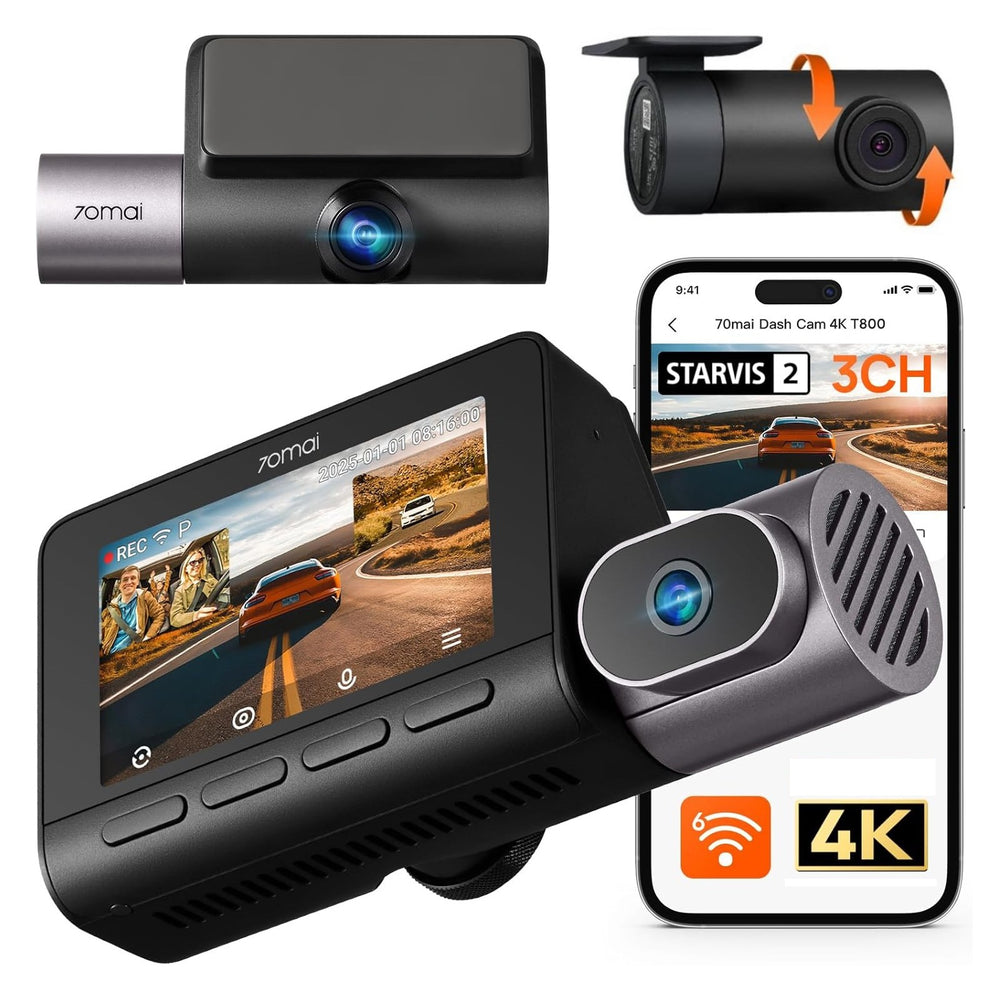
70mai T800 4K+FHD+FHD 3-Channel Dash Cam
70mai
8.2/10
₹29,99933% off
Cab, taxi and fleet drivers who need the cabin on record
View details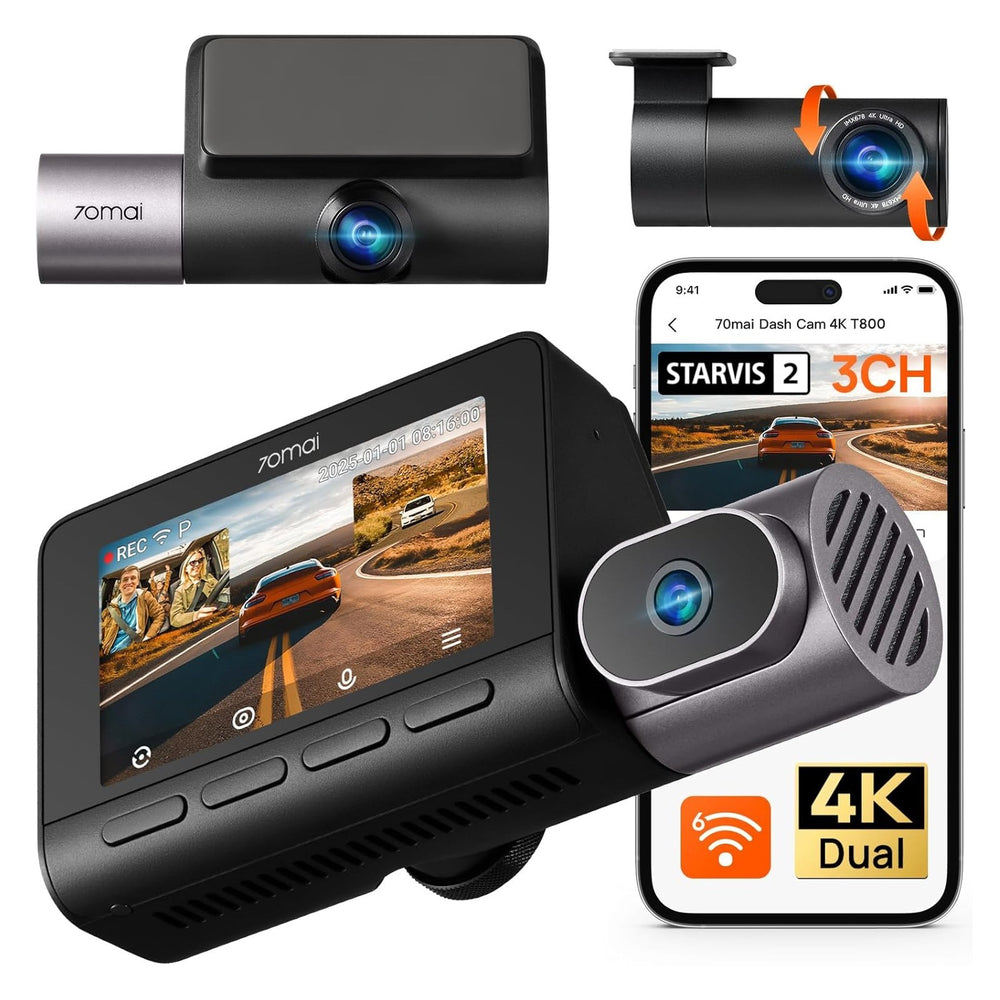
70mai T800 4K+4K+FHD 3-Channel Dash Cam
70mai
8.2/10
₹39,99920% off
Cab, taxi and fleet drivers who need the cabin on record
View details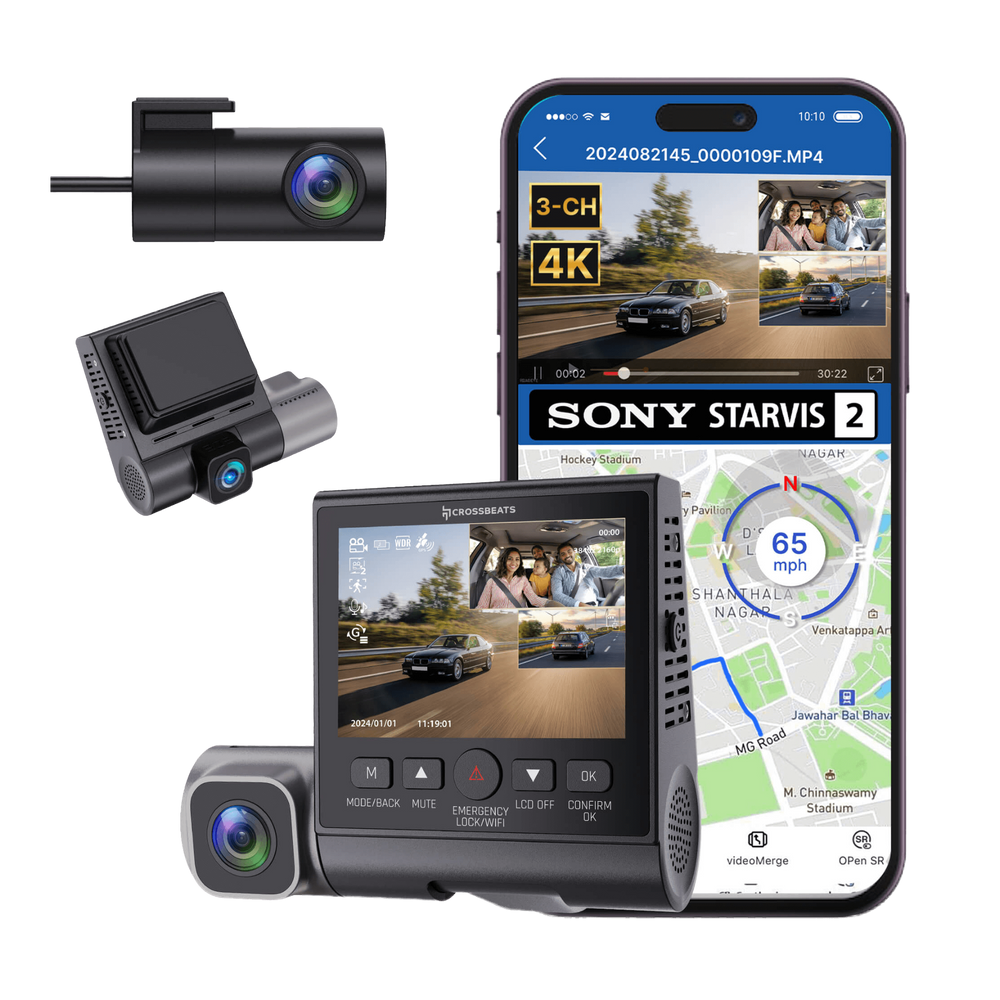
Crossbeats RoadEye DC04 4K 3-Channel Dash Cam
Crossbeats
8.1/10
₹11,99964% off
Cab, taxi and fleet drivers who need the cabin on record
View details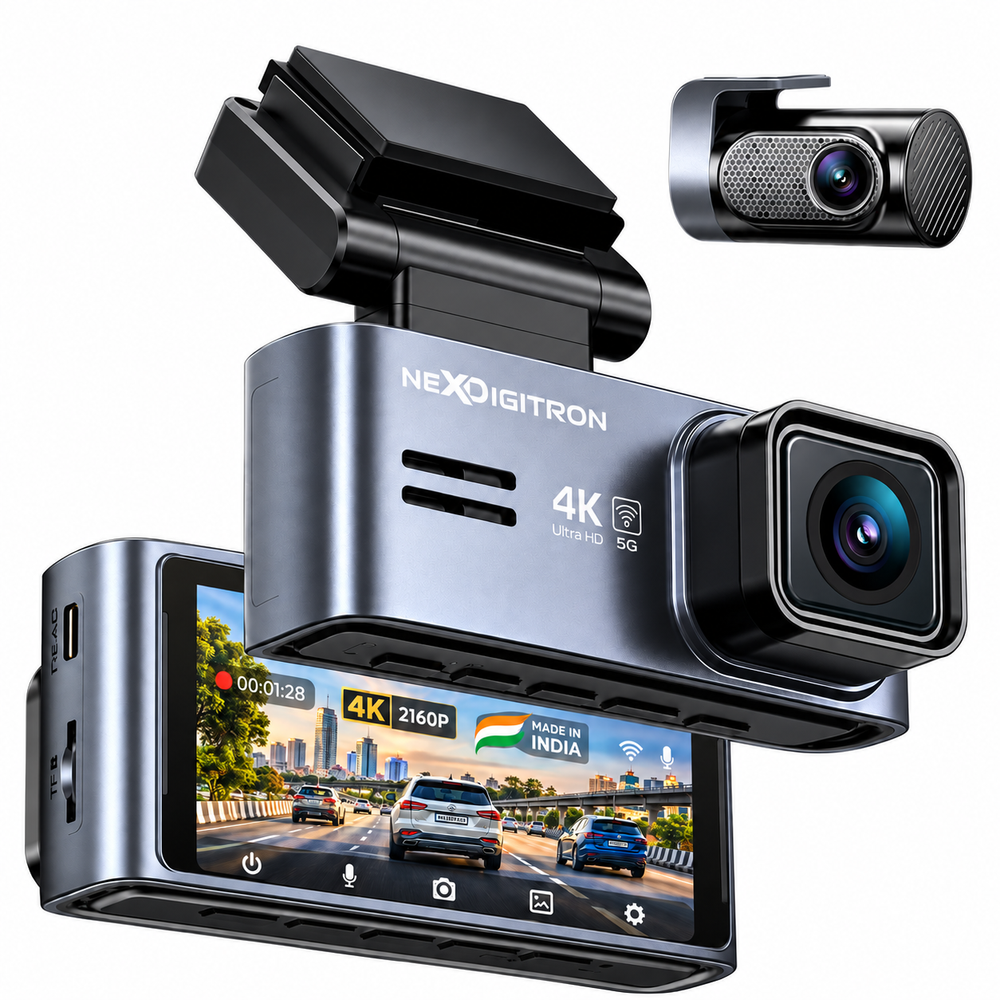
NEXDIGITRON Prime Plus 4K Dual Dash Cam
NEXDIGITRON
8.1/10
₹10,59947% off
Daily commuters who want front and rear evidence
View details